A Desktop or Laptop (Windows preferred)
Internet Connection – for accessing lessons and practice materials
Basic Reading Skills – ability to read in Hindi or English
Notebook & Pen – to take notes and write practice exercises
No Prior IT Knowledge Needed – this course is beginner-friendly
Dedication – just 30 minutes daily for 30 days!
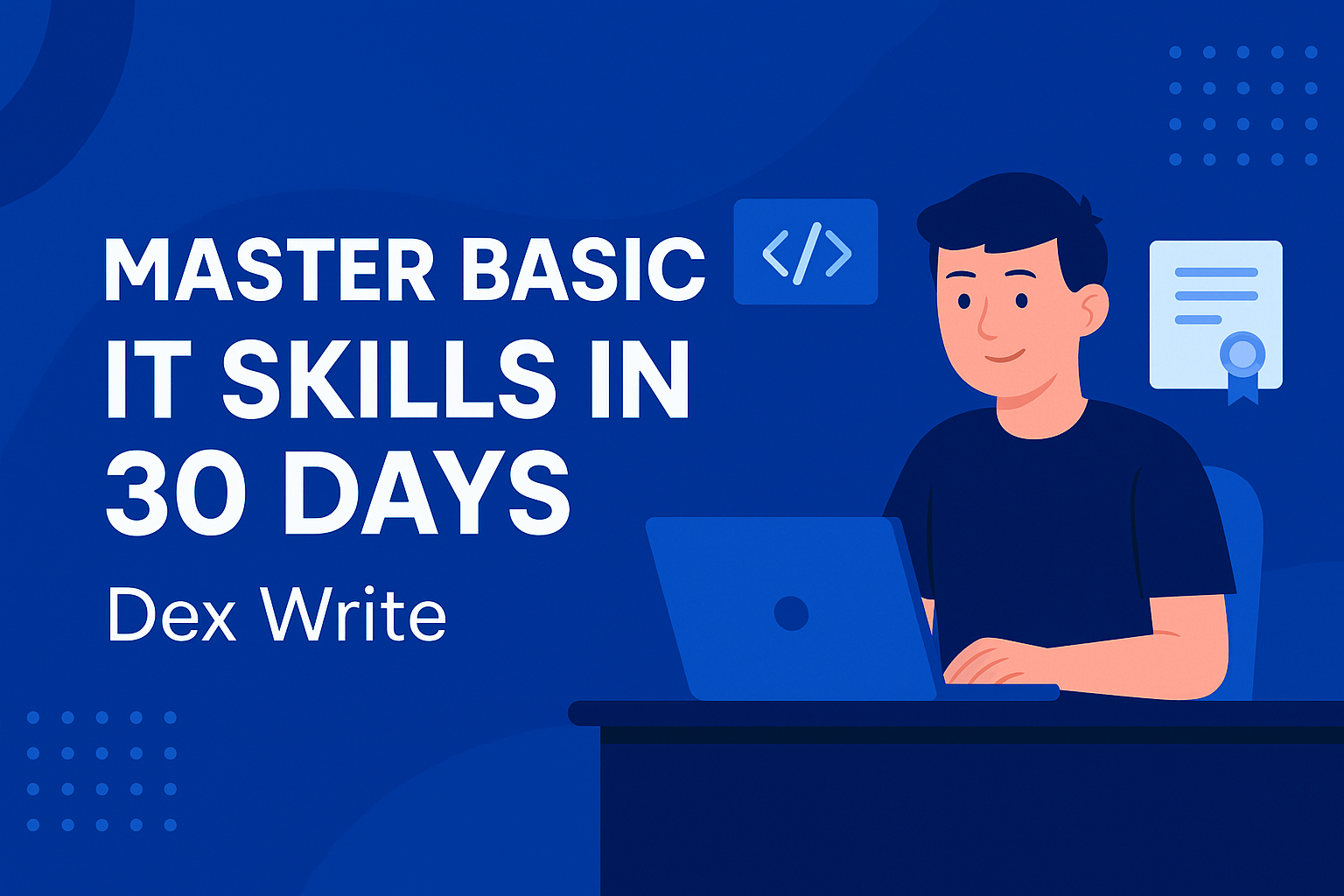
Master Basic IT Skills is the perfect course for students, job seekers, and beginners who want to build a strong foundation in essential computer knowledge. In just 30 days, learn practical skills like typing, MS Office, internet use, email handling, online safety, and more — all explained in simple language with step-by-step guidance.
Don’t let technology hold you back! Whether you're a student or a beginner, this course will help you gain the confidence to use a computer for study, work, and daily tasks. From typing and email to using Microsoft Word, Excel, and internet tools — you'll learn it all in a fun and easy way.
Upgrade your digital skills and boost your employability. This course covers all the core IT skills that are essential in today’s job market — MS Office, email, typing, file management, and internet usage. Ideal for anyone preparing for job interviews or working on a resume.
Are you in school and want to become computer smart? This course is made for students from Class 6 to 12 who want to learn basic IT and computer tools used in school projects, research, and future jobs. No prior experience needed!
📘 Learn Computer Basics in Just 30 Days!
Master essential IT skills like MS Office, Internet use, email, and typing — perfect for beginners, students, and job seekers. Join the Dex Write learning journey today!
By the end of this course, learners will be able to:
💻 Operate a computer confidently (basic functions, start-up, shutdown, file handling)
🖱️ Use essential software tools like Microsoft Word, Excel, and PowerPoint
🌐 Browse the internet safely and effectively (search, websites, downloads)
✉️ Create and manage email accounts, send attachments, and handle communication
🎓 Type with improved speed and accuracy using keyboard shortcuts and techniques
🔐 Understand basic online safety, privacy settings, and antivirus awareness
📁 Create, save, and organize documents and folders on a PC or laptop
💡 Build confidence in using digital tools for education, jobs, and daily life

No Review found


Duration N/A

Lectures 0 lessons

Enrolled 0 students

Category: School Education

0 Quizzes

Language: Hindi

Skill Level Intermediate

Certificate of Completion

60 Days Access
Discover Additional Learning Opportunities
 Static